
as seen on TV >> *.future-secured.com

(last updated: 20 Oct 2026)
1) user script
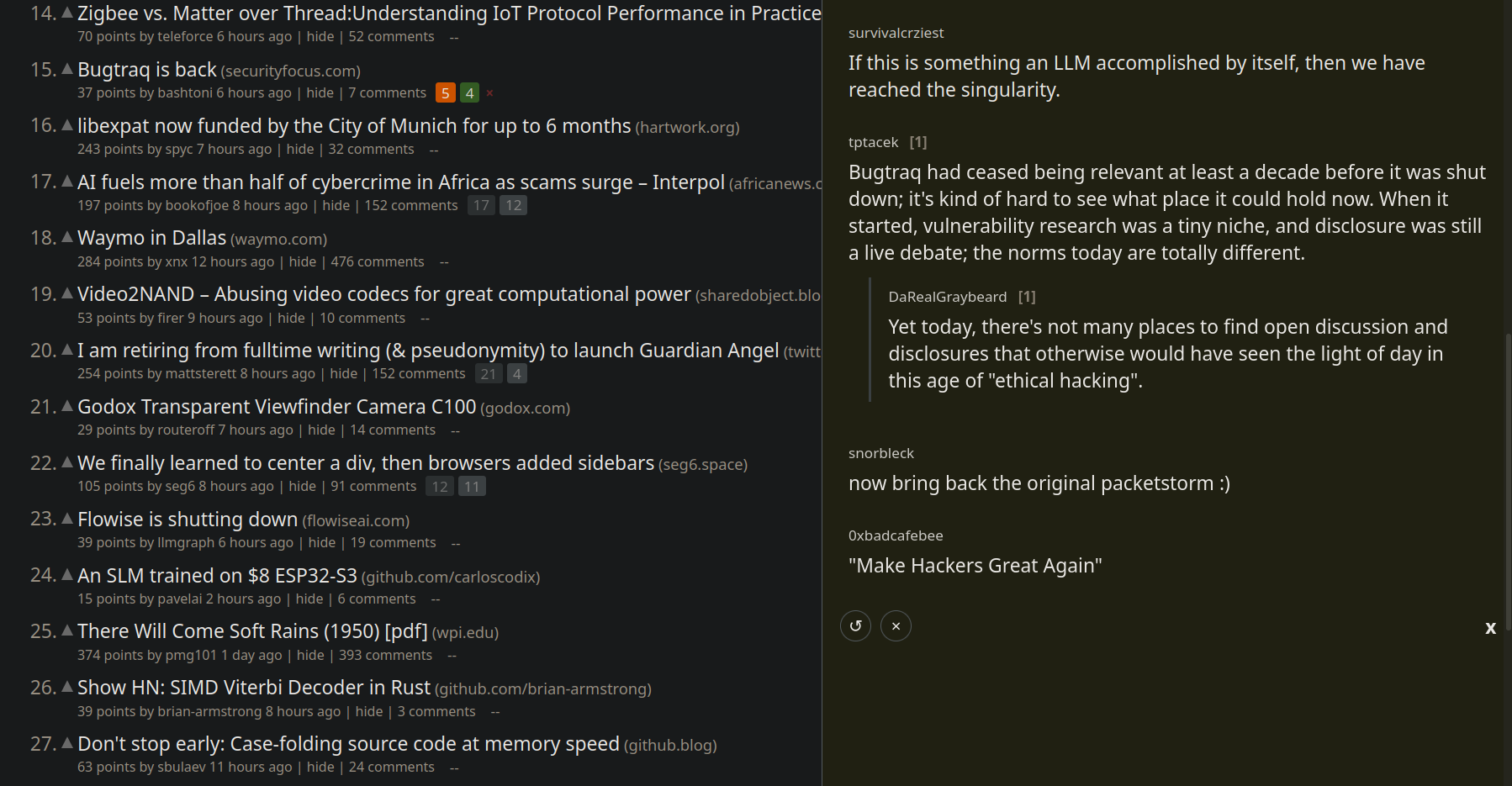
Hacker Brain – sidebar for efficient information consumption
Read Hacker News top-level comments for any item in right-sidebar with truncation support and persistence – without page reload or page change.
[ source code ]
A re-imagining of the original Hackerbrain (2011 – 2018) :
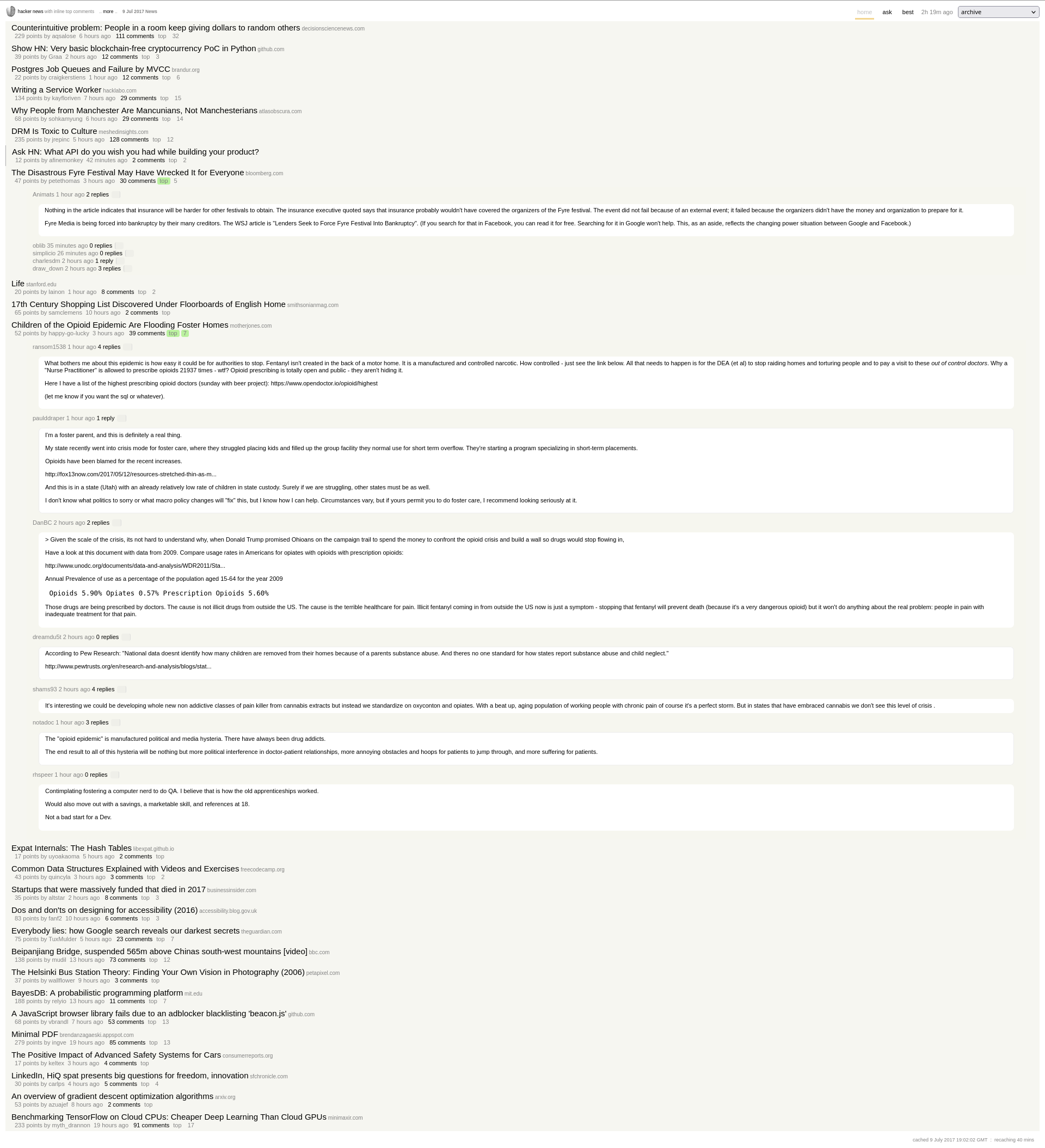
[ src ]
2) user script
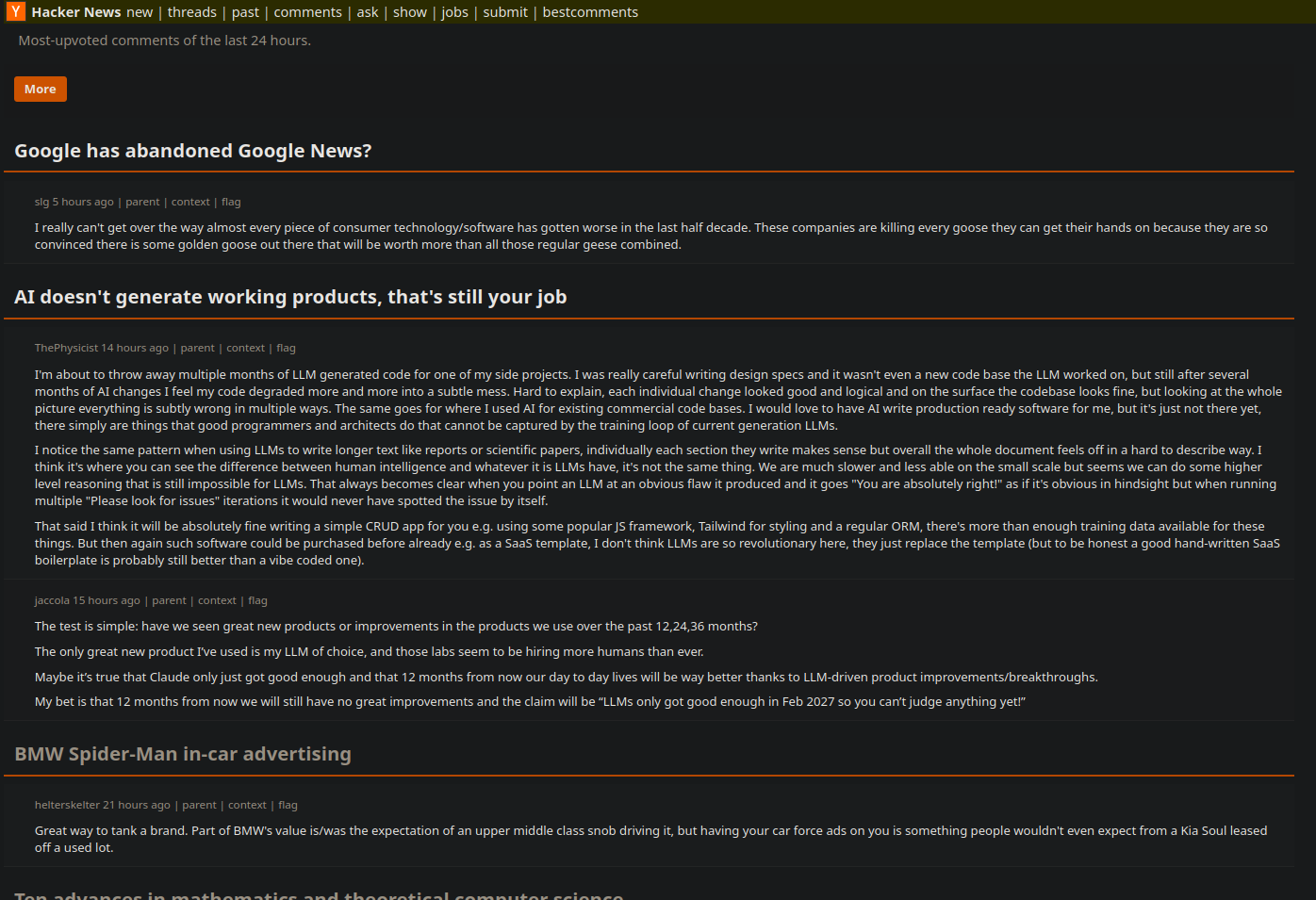

Hacker Train – Best comments aggregator with Offline Edition
Groups Hacker News best comments page by item, collapses previously seen items, hides seen comments with a toggle to reveal them, exports standalone offline HTML archives, preserves full story titles and provides one-click storage reset.
[ source code ]
3) website
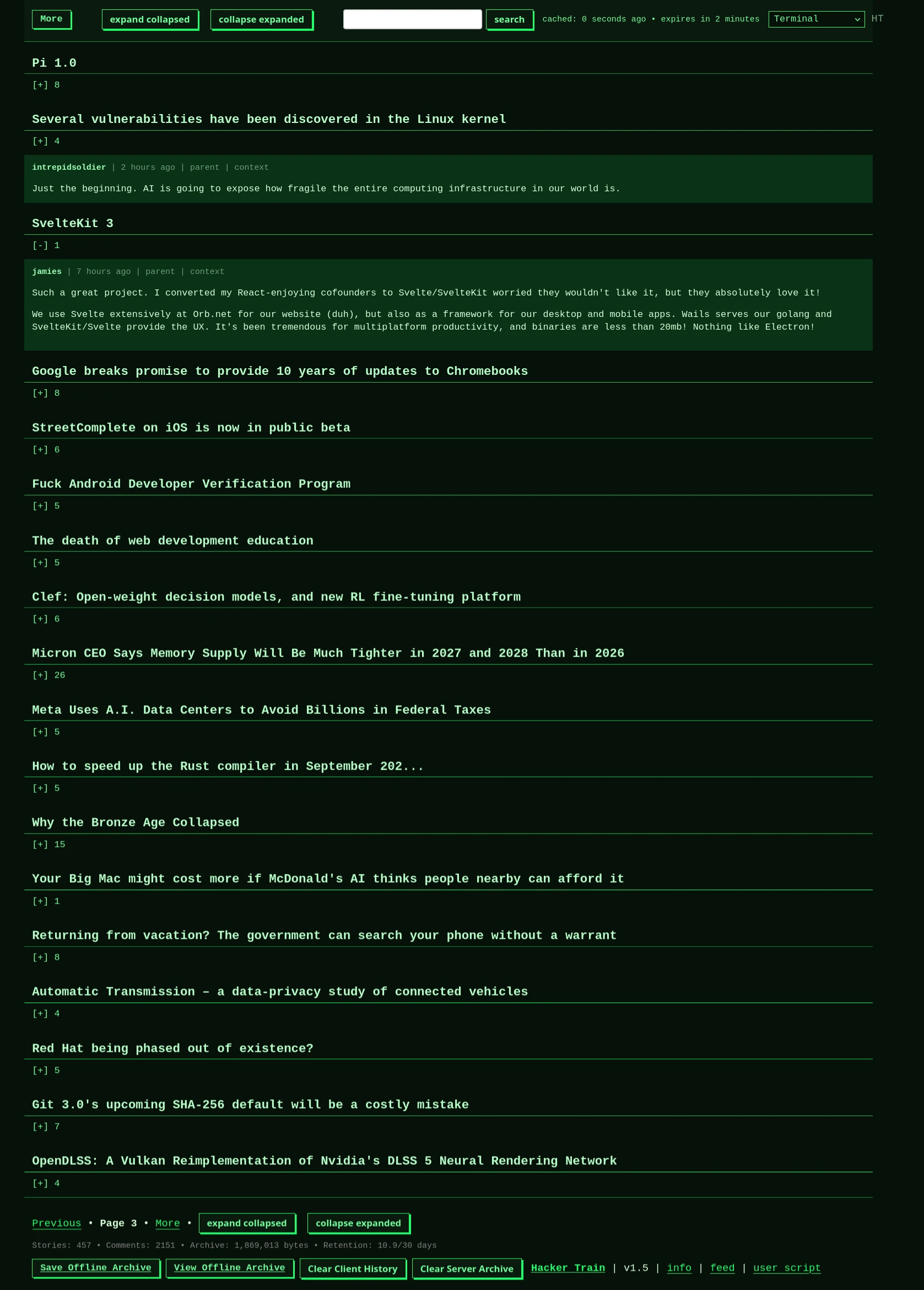
Hacker Train – Best comments aggregator – sovereign edition
As above but without requiring any client-side scripting or add-ons. With theme-switcher, 30 day archive and dynamic read/unread states.
v1.7 (20 Oct 2026) runs from a cron-powered database rather than live fetch so items aren’t duplicated over multiple pages. Also includes a Show HN viewport with thumbnails, which is populated as best comments leave their 30-day retention window.
4) generative avatar AI
!["Go On, Try Me!" [AI augmented]](https://future-secured.com/blog/wp-content/plugins/wp-youtube-lyte/lyteCache.php?origThumbUrl=https%3A%2F%2Fi.ytimg.com%2Fvi%2FH0HL9SoszwM%2F0.jpg)

Digital avatar creation trained on live video backed by Creative Commons music. v1.0.
5) website
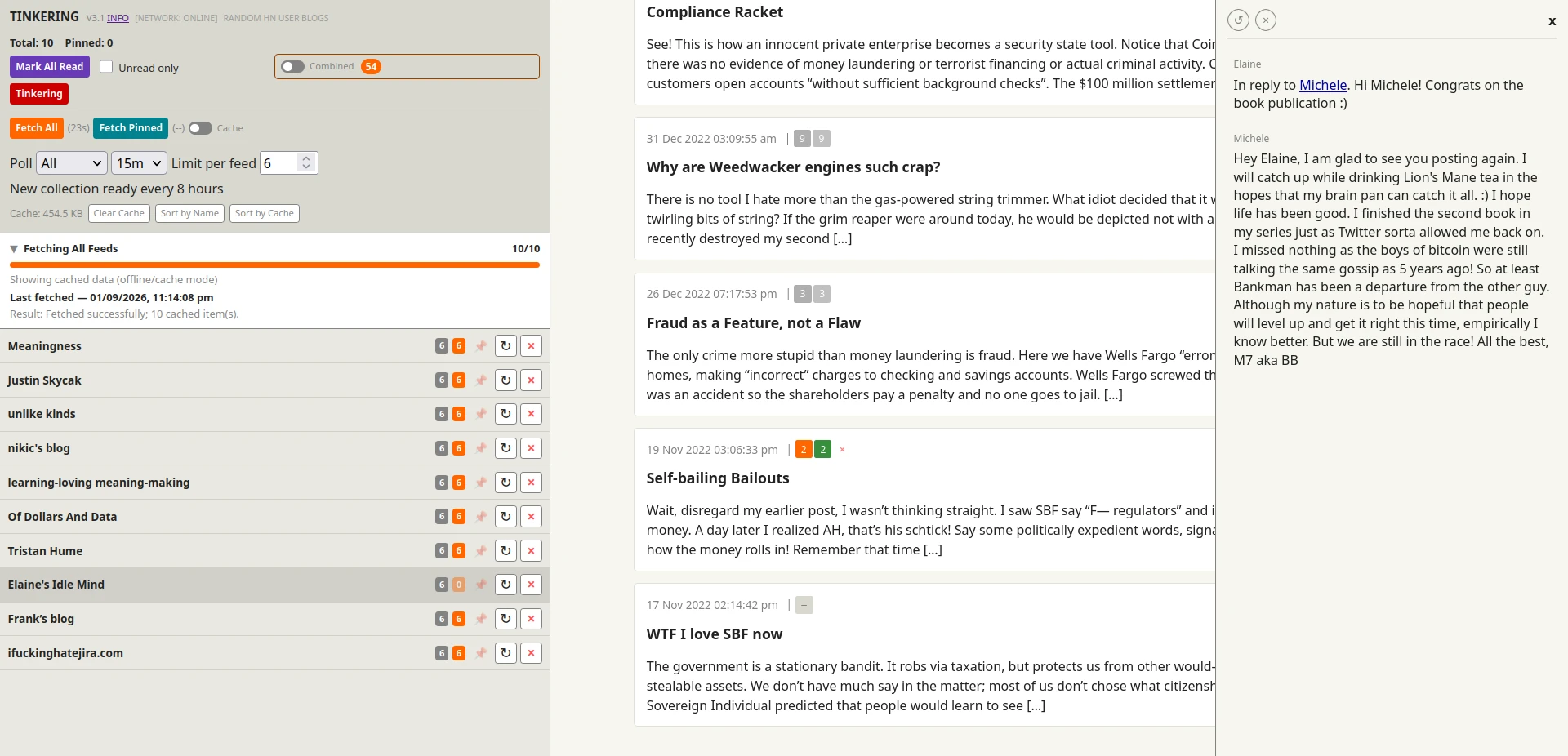
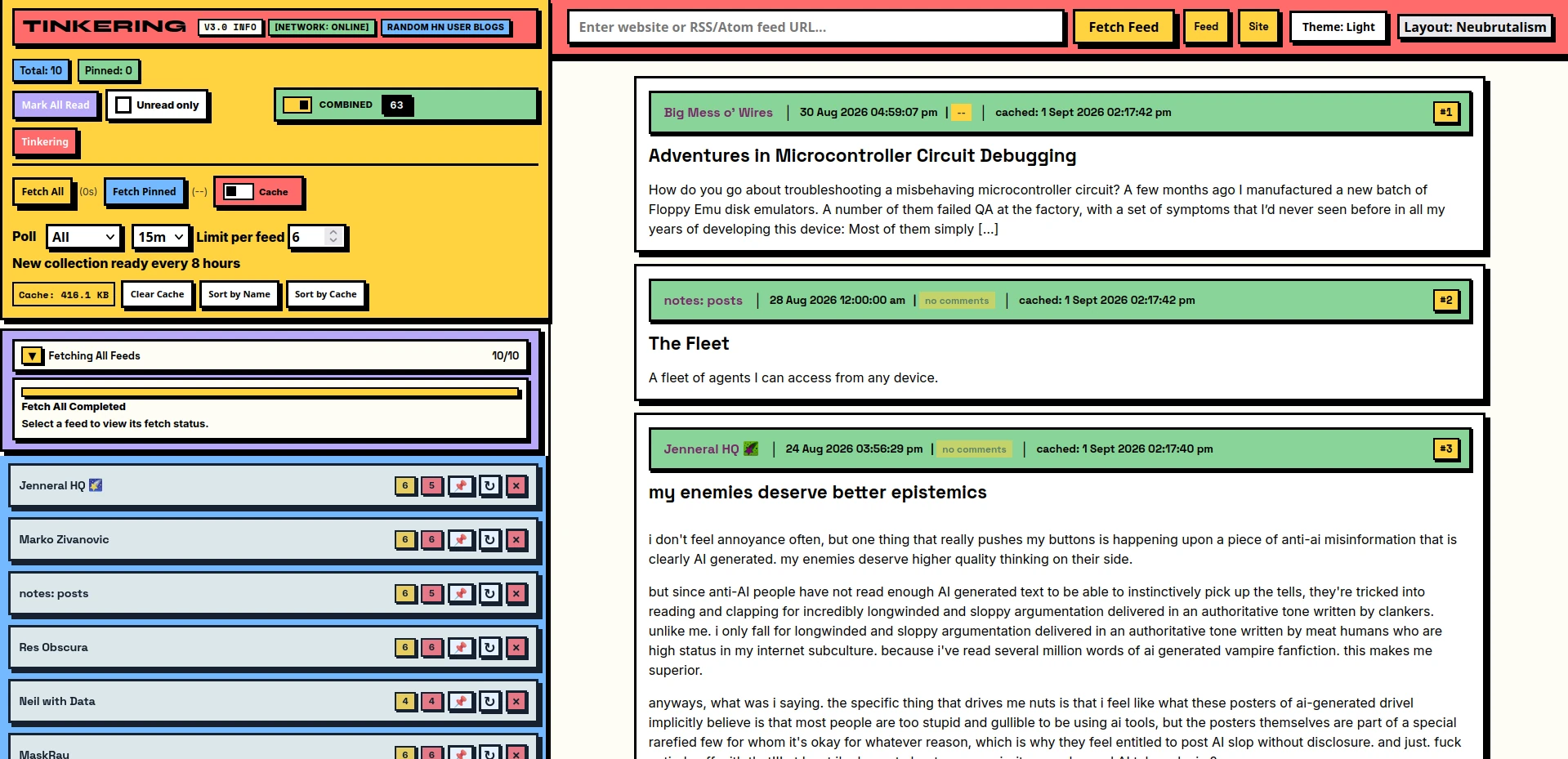
Tinkering – getting down with the tinkerers
Browse ~1450 top personal hacker blogs, 10 at a time changed 3 times daily, via an HTML based feed reader with sweep-in, lazy-loaded sidebar comments. Includes Neubrutalism layout.
[ origin story ]
6) website | downloadable-page
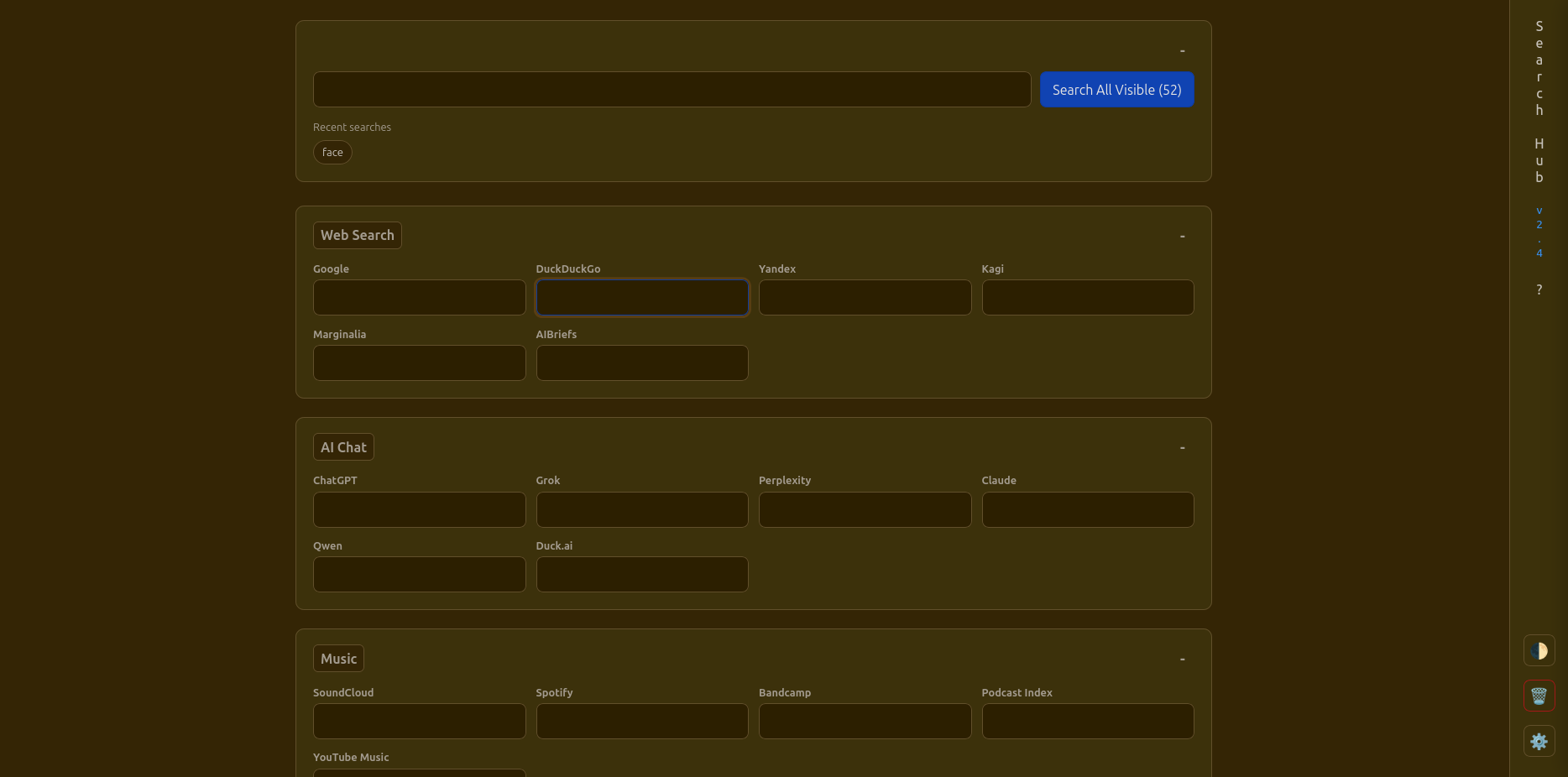
Search Hub – https://search.future-secured.com/
Customizable page of search engines and prompt inputs as a jumping off point into the web. Settings can be saved, collapsible sections, fields rearranged, new engines added, aggregated search. Everything stays in your browser, no telemetry or dependencies – save and run locally if need be.
7) website
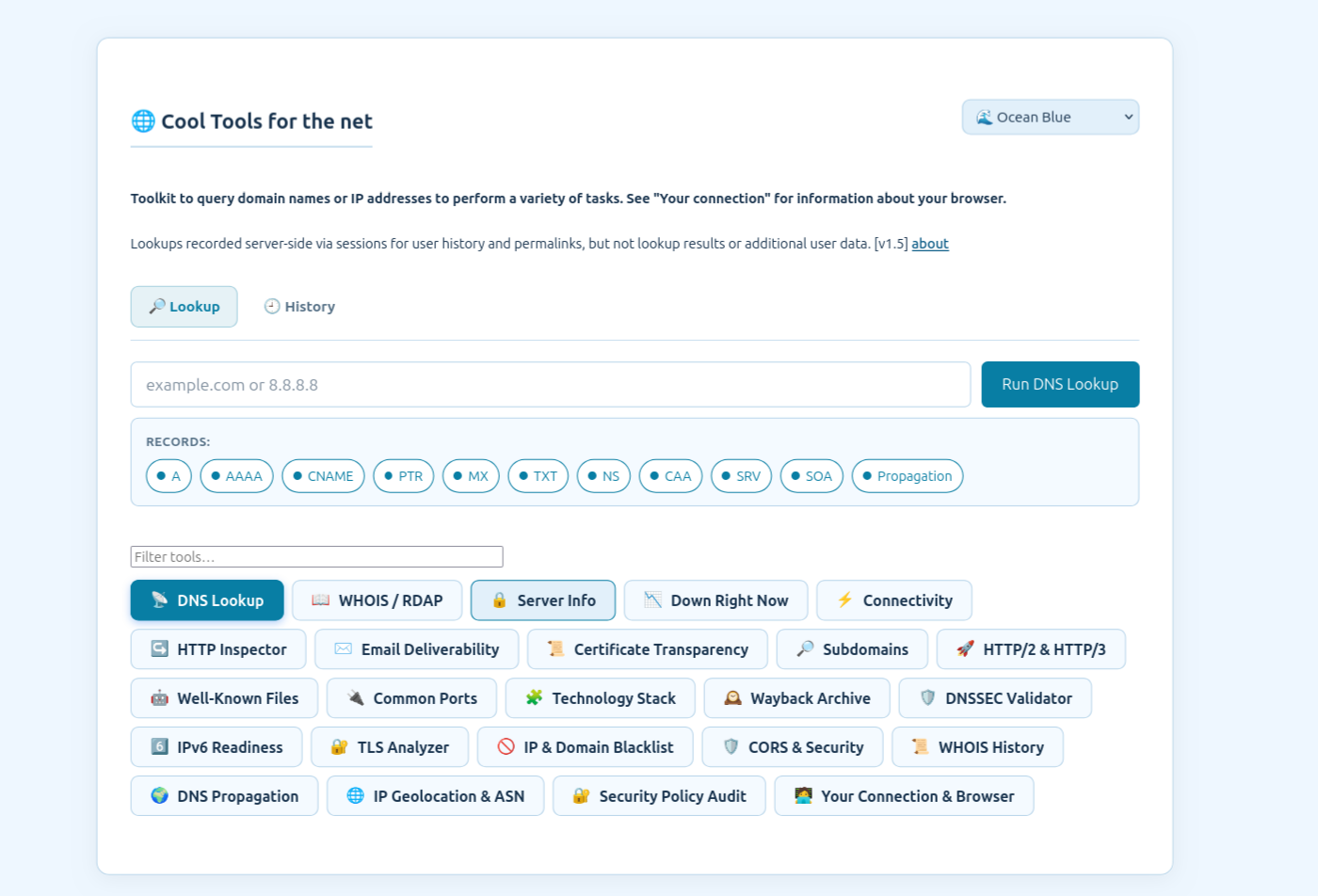
Cool Tools for the net – https://net.future-secured.com/
All-in-one DNS, network, and security inspection toolkit. Query domain names or IP addresses to perform tasks like DNS lookups, Down-checking, WHOIS queries, SSL / TLS certificate analyses, email deliverability checks, server connectivity tests and more. See information about your browser.
8) website

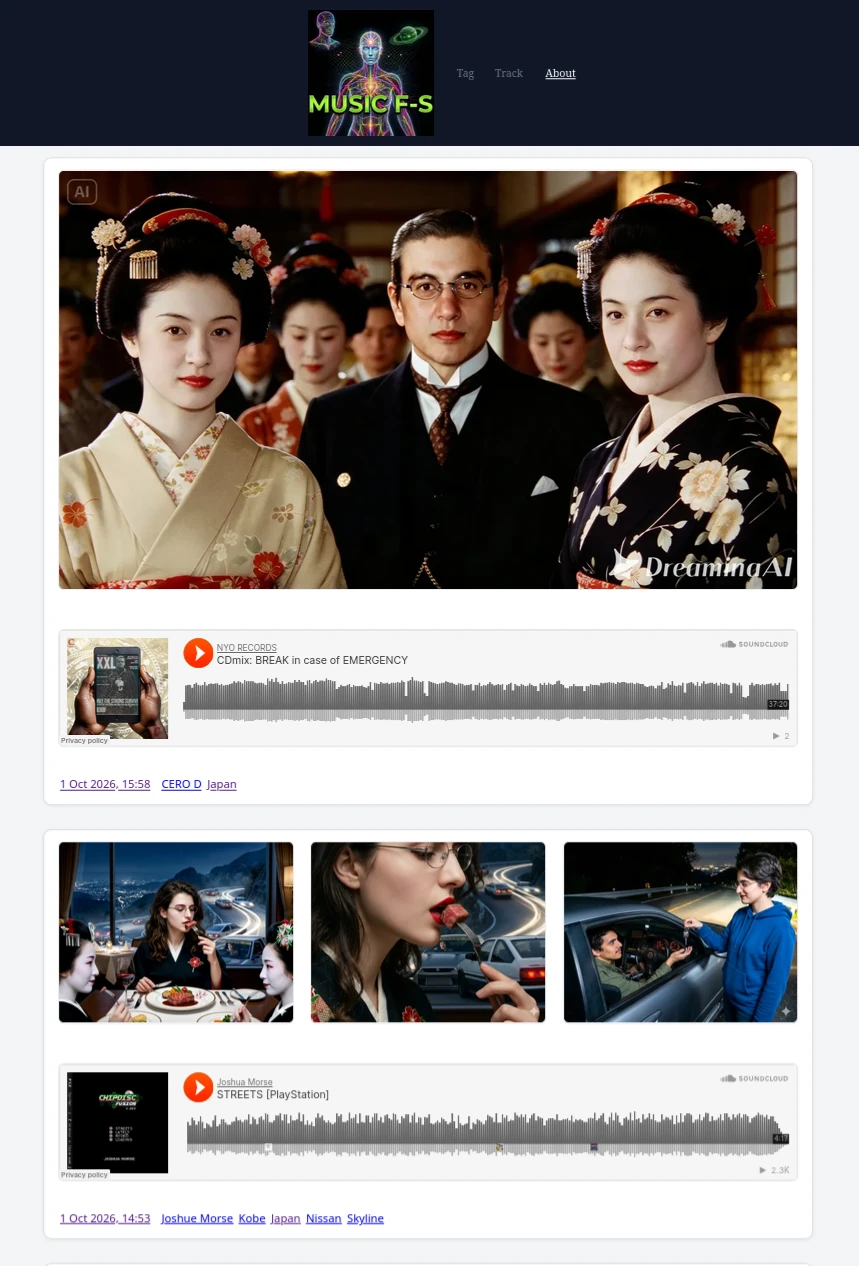
Music F-S – https://music.future-secured.com/
Spin-off from blog as a customized viewport into its music and image postings, while also removing clutter and unneeded groupings. Independent database. Atom feed provided.
✓ 1 week ago ago